
Test GardenTest Garden

Changelog

Read the latest updates and feature launches from Test Garden.

Subscribe to updates

Read the latest updates and feature launches from Test Garden.

Powered by ShowProgress

Introducing Stripe Analytics Attribution

I am thrilled to announce a significant update that bridges the gap between your payment data and your user behavior: Stripe Analytics Attribution. 🚀

Previously, tracking the journey from a user landing on my site to completing a purchase was fragmented. I found it difficult to pinpoint exactly which marketing channels or user sessions were driving revenue. By implementing this new attribution layer, I have successfully linked Stripe Checkout sessions directly with my website's analytics data.

How it works

When a customer initiates a checkout, my system now passes a unique session identifier along with the payment metadata. This allows me to map every successful transaction back to the specific traffic source and user journey that led to it. You don't need to do anything extra; I have architected the data pipeline to handle this mapping automatically behind the scenes.

Improvements

  • Implemented secure metadata transmission between Stripe Checkout sessions and internal analytics tracking.
  • Created a new attribution mapping engine that correlates session IDs with transaction success events.
  • Enhanced conversion reporting accuracy by eliminating blind spots in the checkout funnel.

This update gives me much deeper insight into what actually converts, helping me make better decisions about where to focus my growth efforts moving forward. 📈
Implementation of GDPR-Compliant Cookie Consent

Privacy is a top priority for my users, and I recognize that compliance with data protection regulations is not just a legal requirement but a demonstration of trust. I have now implemented a robust, GDPR-compliant cookie consent banner to give my users full transparency and control over their data.

How it works

When a user first visits the platform, they will see a non-intrusive banner that clearly explains the use of cookies. This banner distinguishes between 'Essential' cookies, which are strictly necessary for the site to function, and 'Non-Essential' cookies, such as analytics or marketing trackers. Users can now choose to 'Accept All,' 'Reject All,' or customize their preferences via a dedicated settings modal.

How to use it

No action is required on your part. The system will automatically detect your region and display the appropriate consent prompt if you are accessing the service from a jurisdiction that requires explicit consent. If you wish to change your mind or review your choices at any time, I have included a 'Privacy Settings' link in the footer of the website, which reopens the consent management tool instantly.

Improvements

  • Deployed a new privacy-first cookie management layer that ensures tracking scripts (like Google Analytics) are blocked until explicit consent is granted.
  • Added granular control settings allowing users to toggle specific categories of cookies on or off.
  • Updated site privacy policy links for clearer accessibility.
  • Ensured essential site functionality (like authentication) remains unaffected regardless of consent choices.
Screenshot 1

Deeper Insights with DataFast Analytics Integration

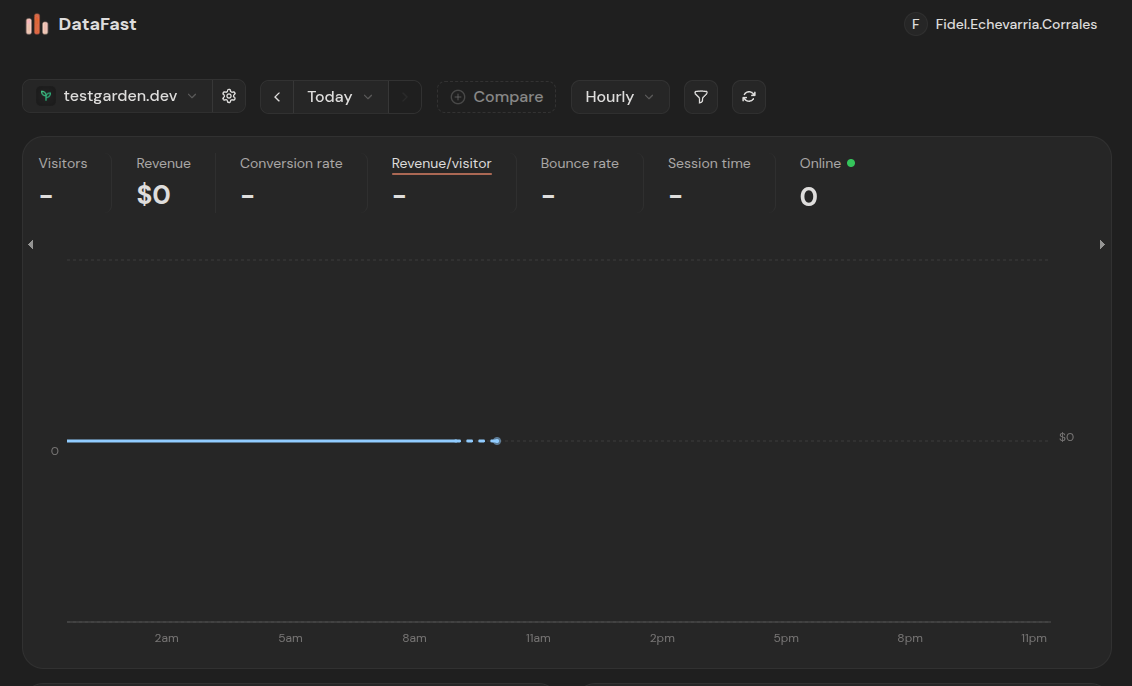
I have successfully integrated DataFast Analytics into my application to gain a more comprehensive understanding of how users interact with the platform. Previously, my data visibility was limited, making it difficult to pinpoint exactly where users encountered friction or which features provided the most value.

By implementing this integration, I can now track real-time website traffic and granular user behavior patterns. Most importantly, I have enabled login tracking, which allows me to map specific sessions to individual user journeys. This visibility is crucial for me to make data-driven decisions about feature development and user experience improvements moving forward.

Improvements

  • Integrated DataFast Analytics tracking script across the entire application frontend.
  • Implemented session-level tracking to monitor user navigation paths.
  • Added user-specific event logging for logins, allowing me to attribute activity to registered accounts without compromising user privacy.
  • Configured custom event dashboards to visualize conversion funnels and product usage metrics.